Resize a Panel
You can resize a Panel in a Dashboard to any dimension you need.
To resize a Panel:
In the Dashboards page, click the Edit button.
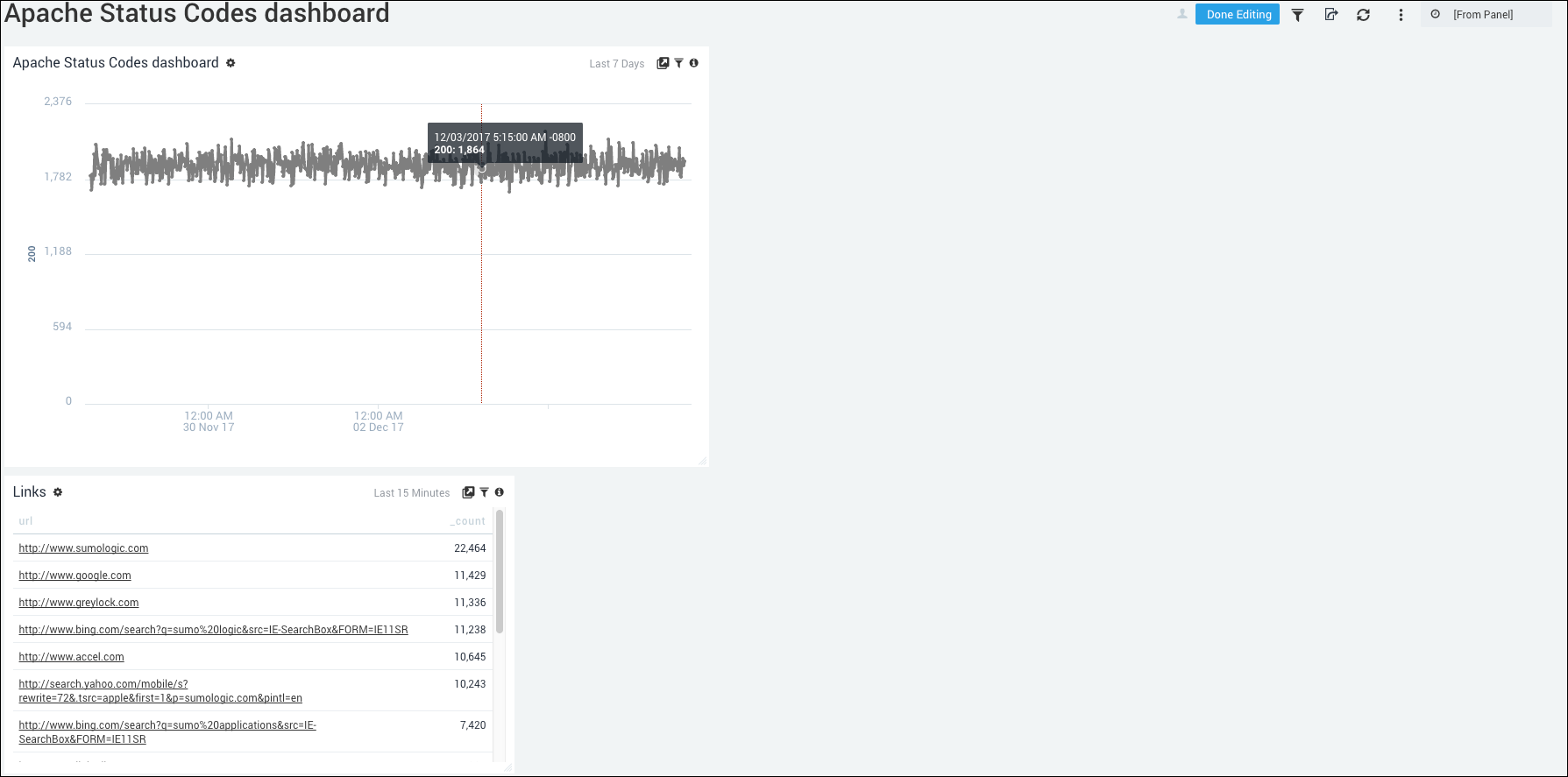
Hover over the lower right-hand corner of the Panel, until the cursor turns into an arrow.
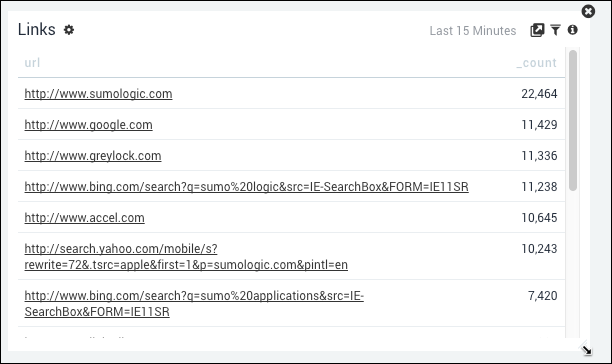
Drag the Panel out to the size you like.
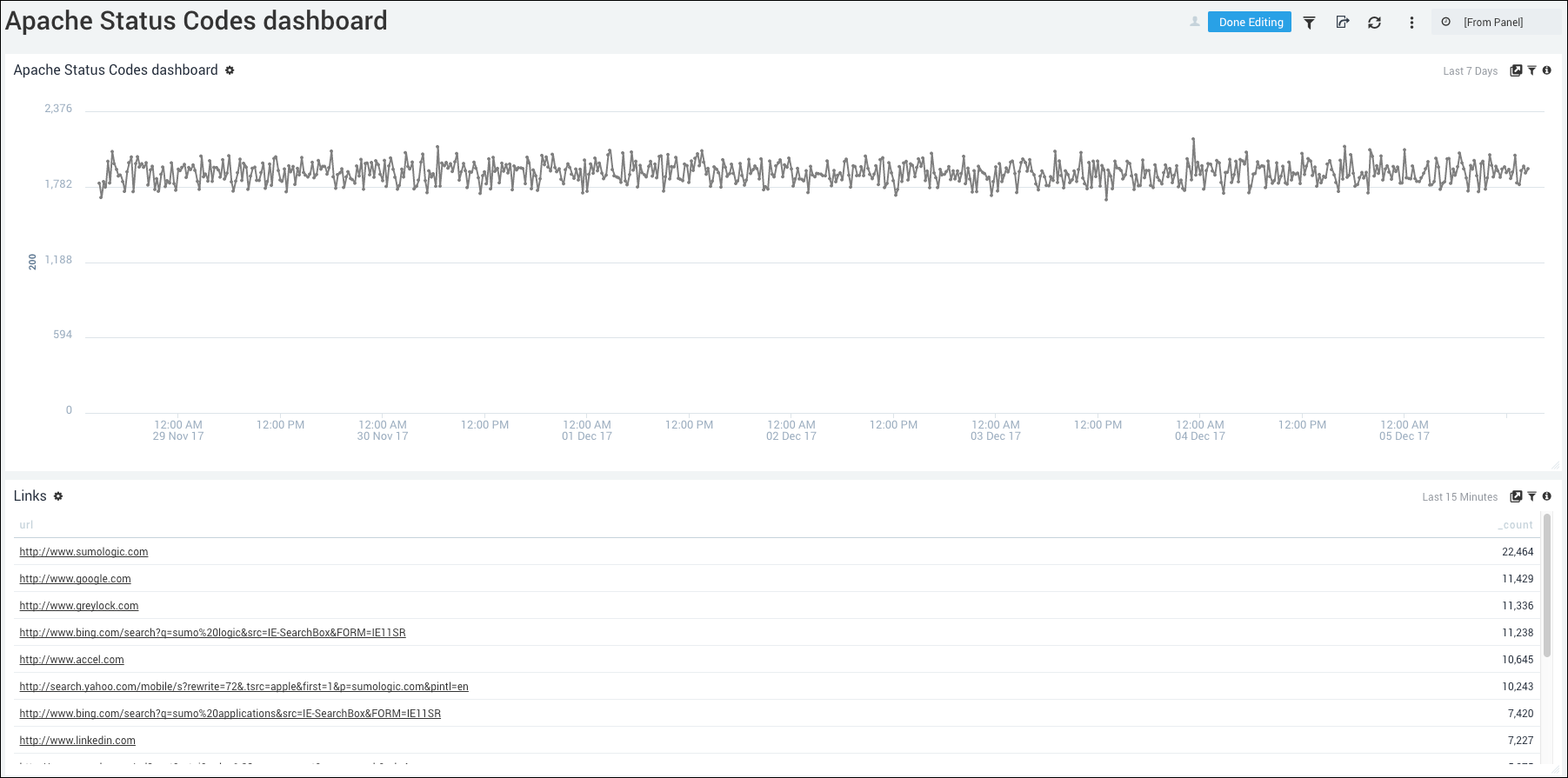
The Panel is resized.